Creative Gear • 8 min read
Plan an overhead filming position before opening the tripod
A safe, repeatable camera position starts with the table, the working area and the things that might move during a recording.
 Objects, thoughtfully used
A visual field guide to useful devices, creative habits and the spaces they share.
A safe, repeatable camera position starts with the table, the working area and the things that might move during a recording.
Build a repeatable packing routine around the photographs you intend to make, the equipment you can carry and a clear return path for every small item.
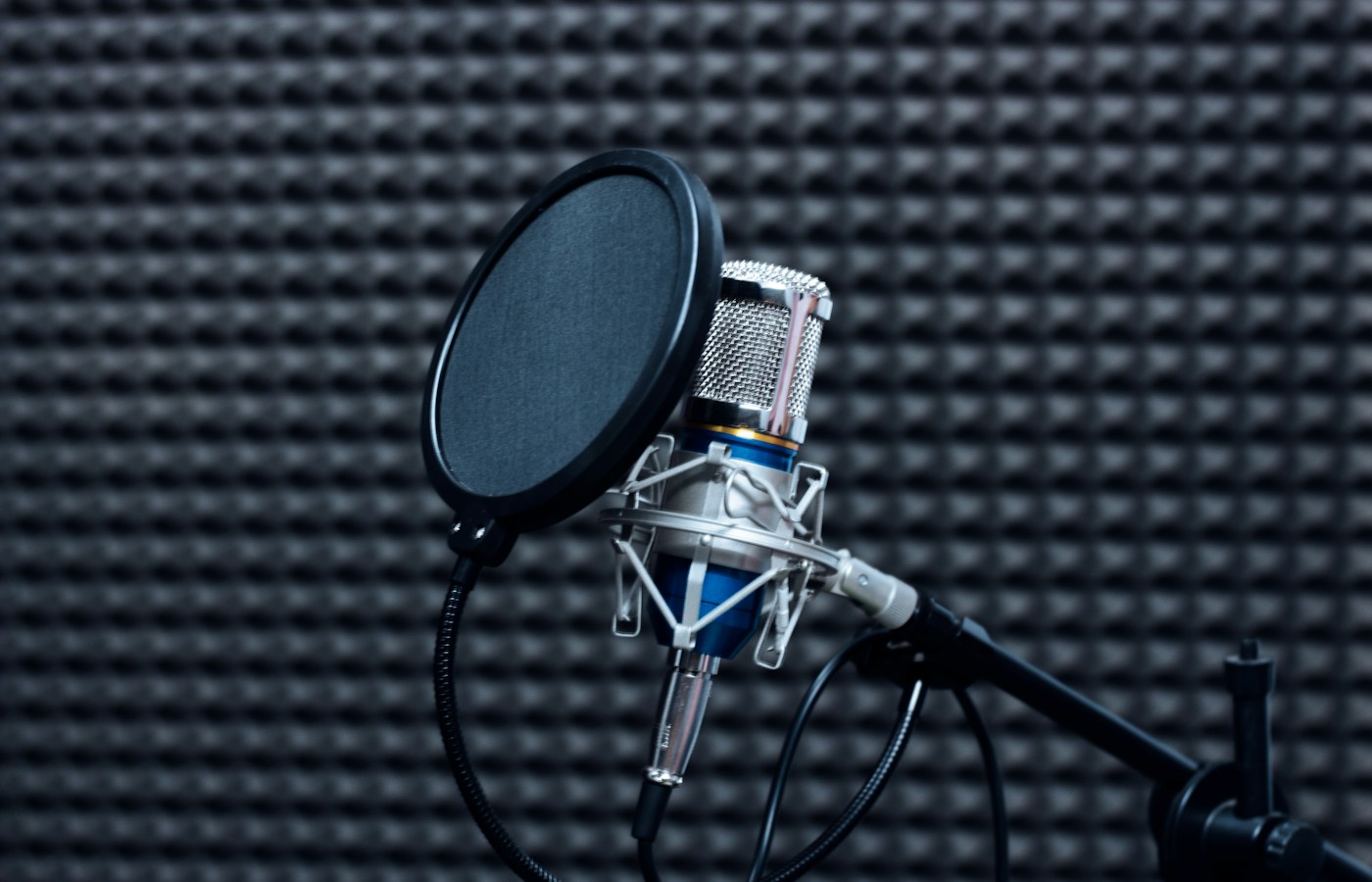
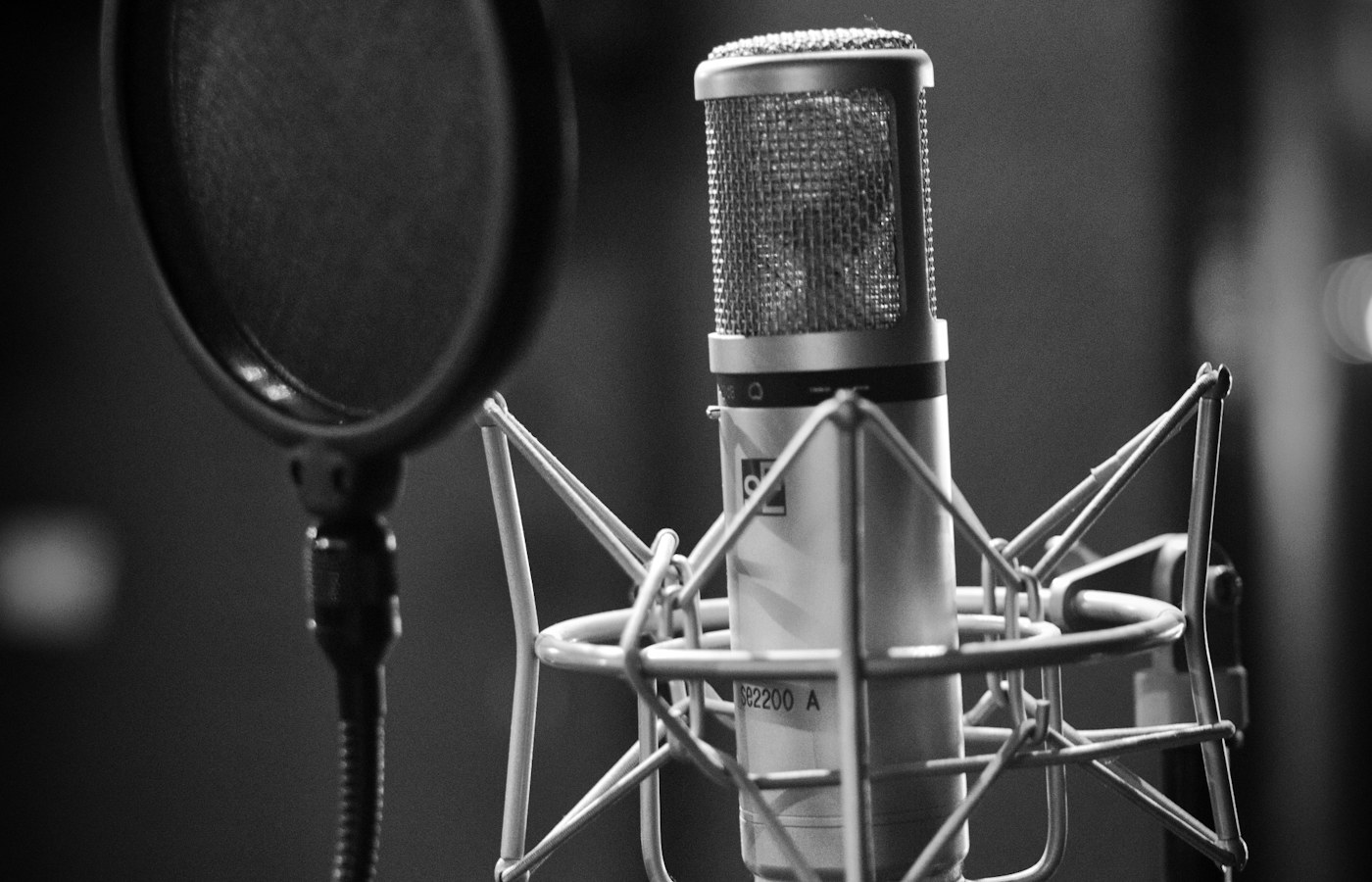
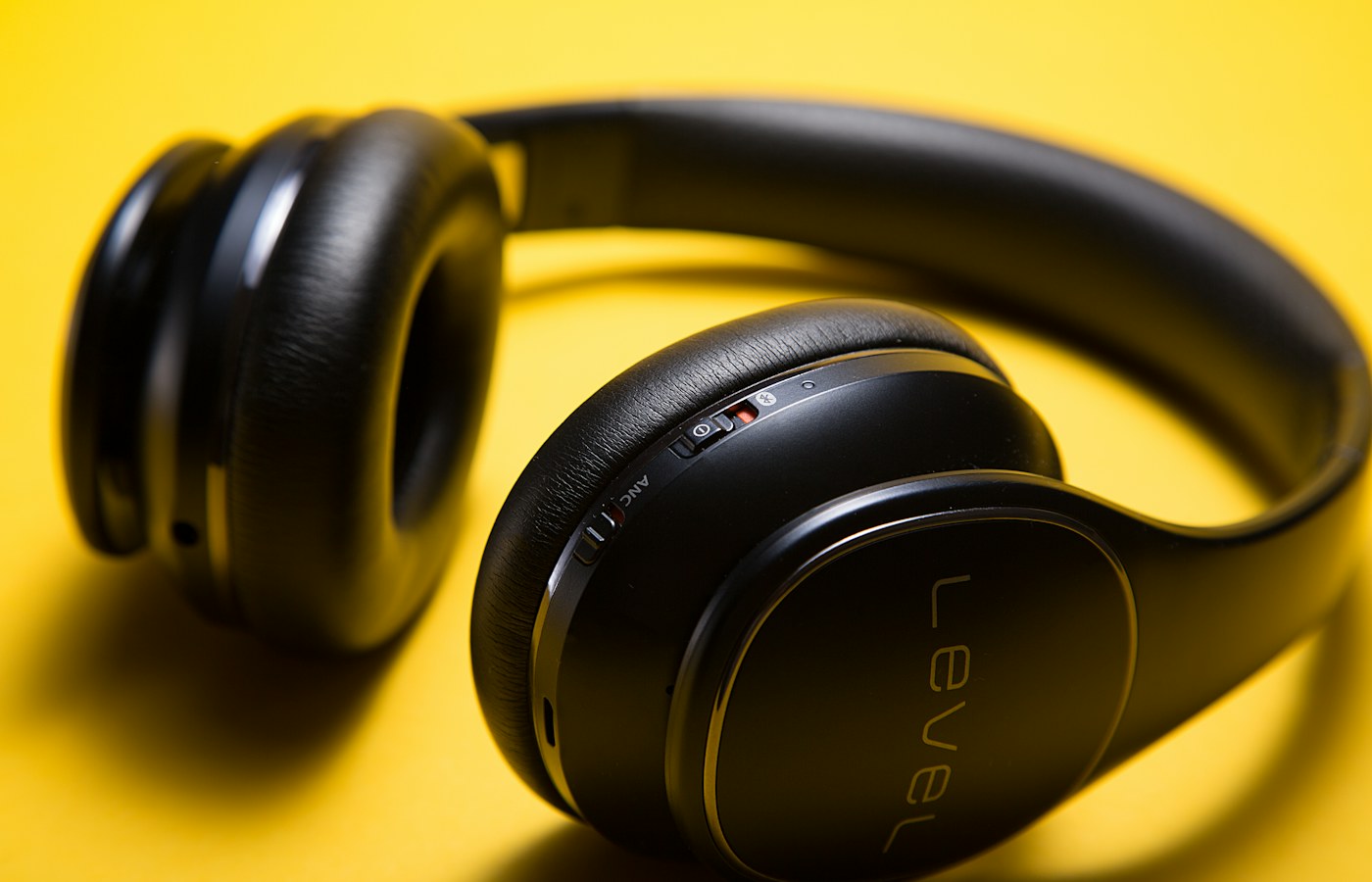
A small cable map, readable labels and a tested connection routine make shared audio equipment easier to understand.
Use a repeatable reading task, a few careful observations and a simple room record to compare everyday lighting changes.
Select for meaning, preview physical crops, and proof a coherent group before printing the full set.
Connect take identifiers, filenames, retakes, and factual observations without interrupting the recording.
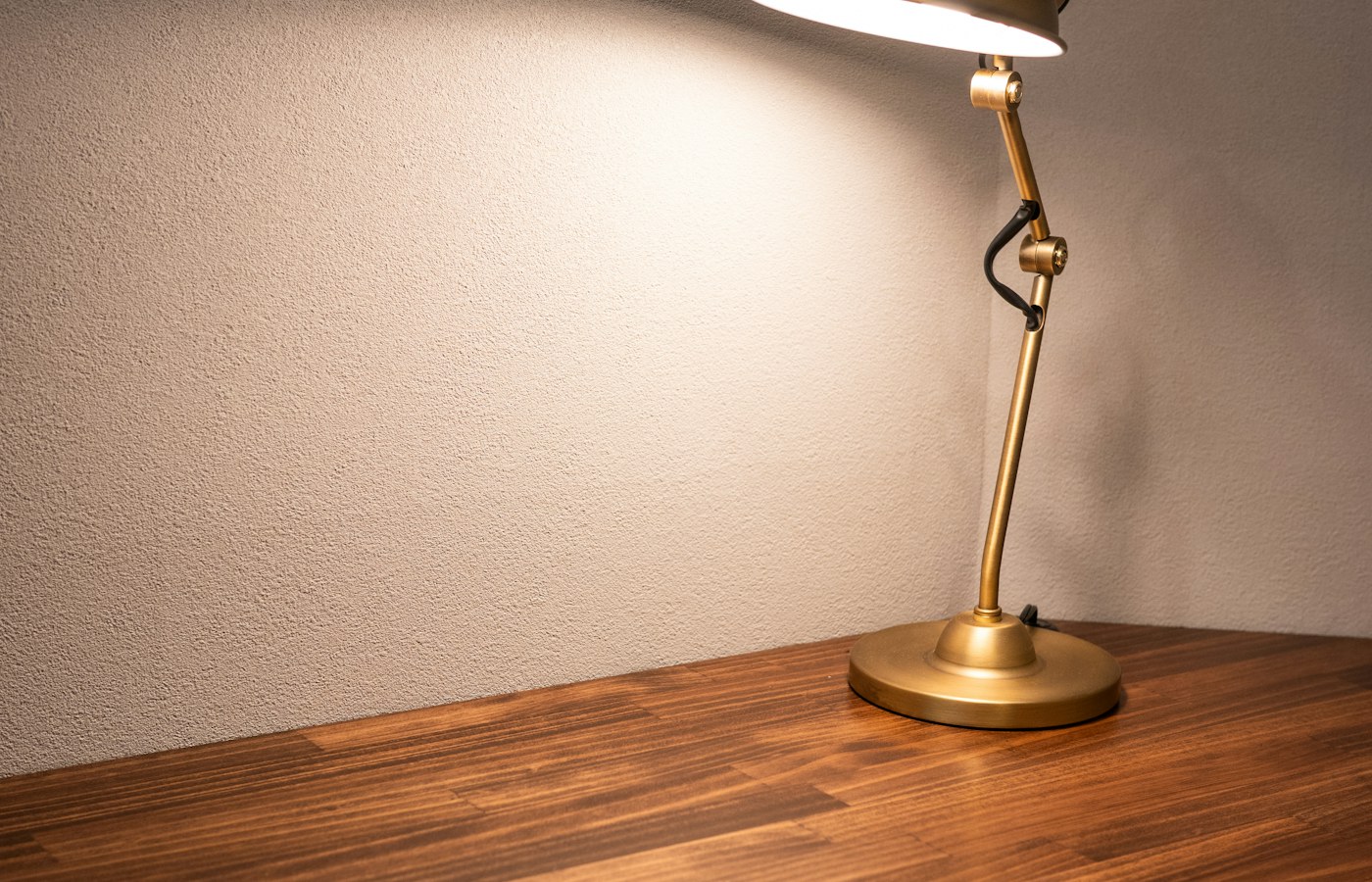
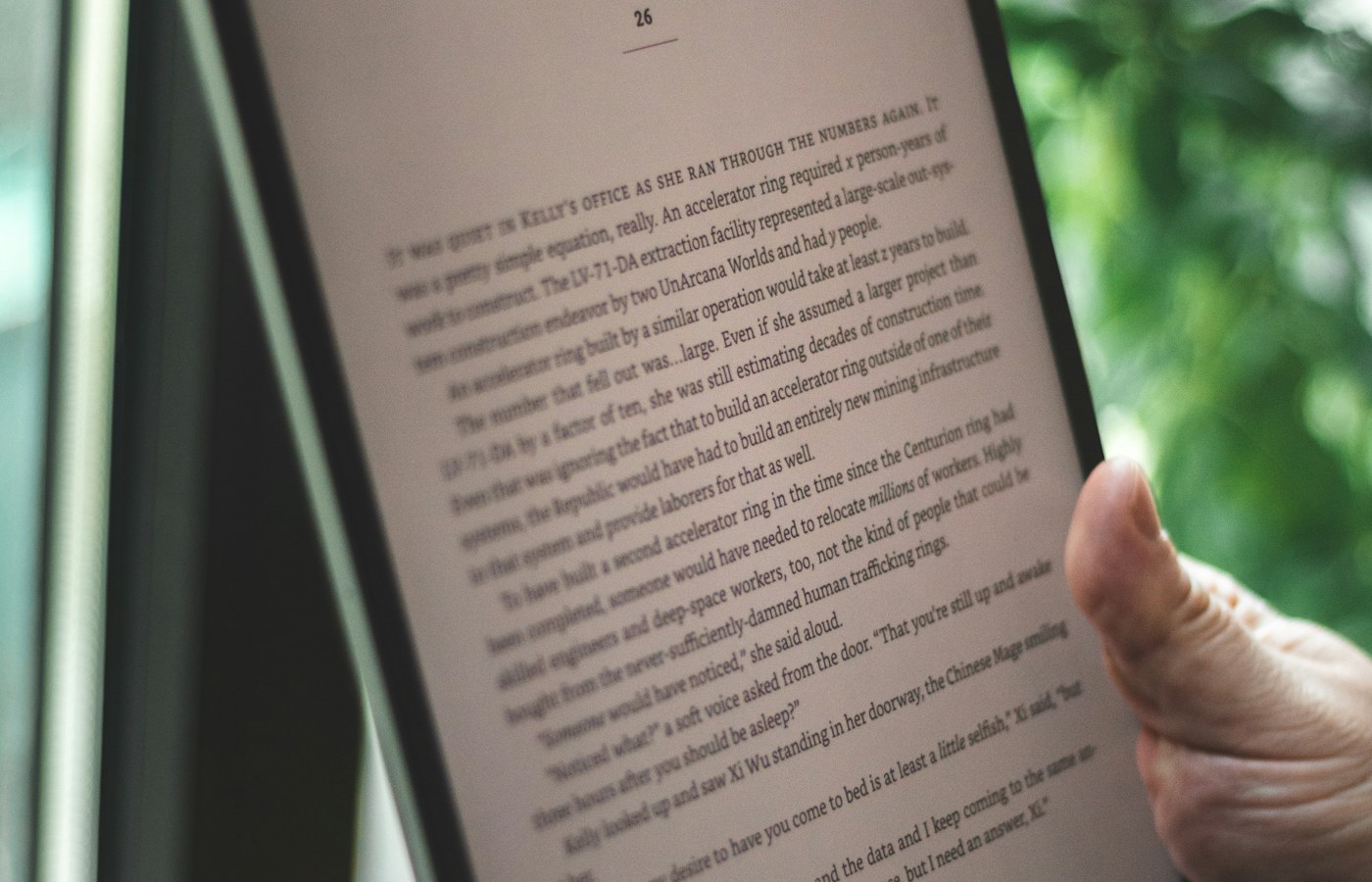
Observe glare from the working position and compare small changes to screen angle and existing shades.
Track physical identity, responsibility, status, and retirement in a restrained inventory that excludes access secrets.
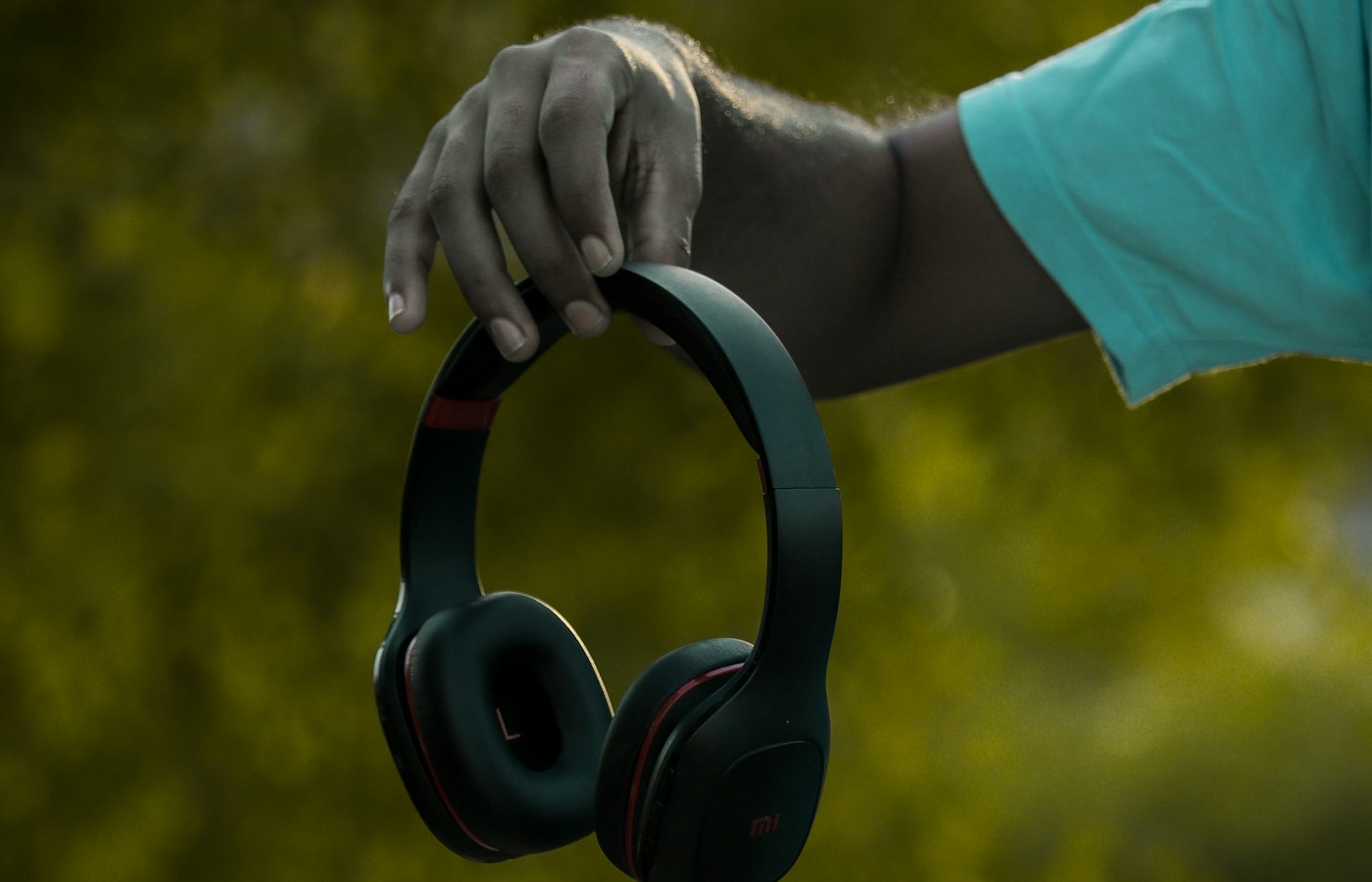
Read exact labels, map supported device and cable combinations, and verify the intended kit before departure.
Narrow the lesson, prepare nonprivate sample content, and inspect the finished recording before sharing.
An offline research folder needs more than a pile of saved links. Build a small, readable working collection before your next journey.
A smooth call depends on steady delivery, clean audio, and predictable software behaviour. Here is how to isolate the weak link.
A dependable print workflow starts with the document, the queue, and the network address rather than repeated reinstalls.
A clean presentation session, local copies, and a rehearsed display setup reduce both technical surprises and accidental disclosure.
Treat each screen arrangement as a working layout, then make the transition between them predictable.
Define when the computer is ready, measure comparable starts, and change one plausible cause at a time.
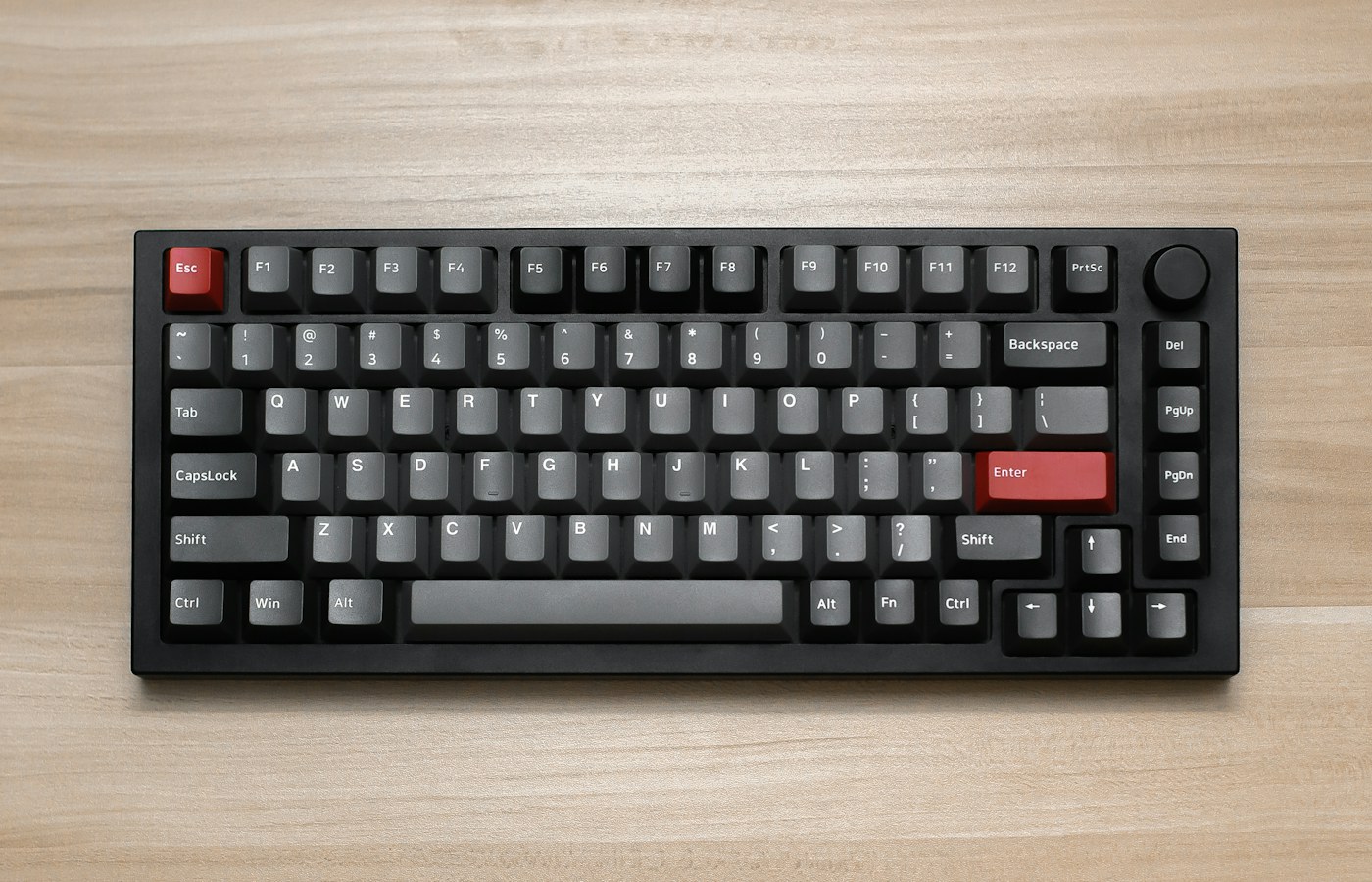
Build a small personal shortcut set by observing repeated actions, checking context, and practicing recovery.
Use named people, a few purposeful groups, and explicit access tests to maintain a small shared storage system.
Maps, tickets, contact details, and a simple fallback can make a disconnected day manageable without filling the phone with unnecessary apps.
A shared screen needs clear boundaries for purchases, messages, photos, and handover. Start with what the operating system actually supports.
Readable pages, sensible filenames, and a checked export matter more than an impressive scanning animation.
Give recordings clear identities, review them on a small schedule, and preserve important audio outside the capture app.
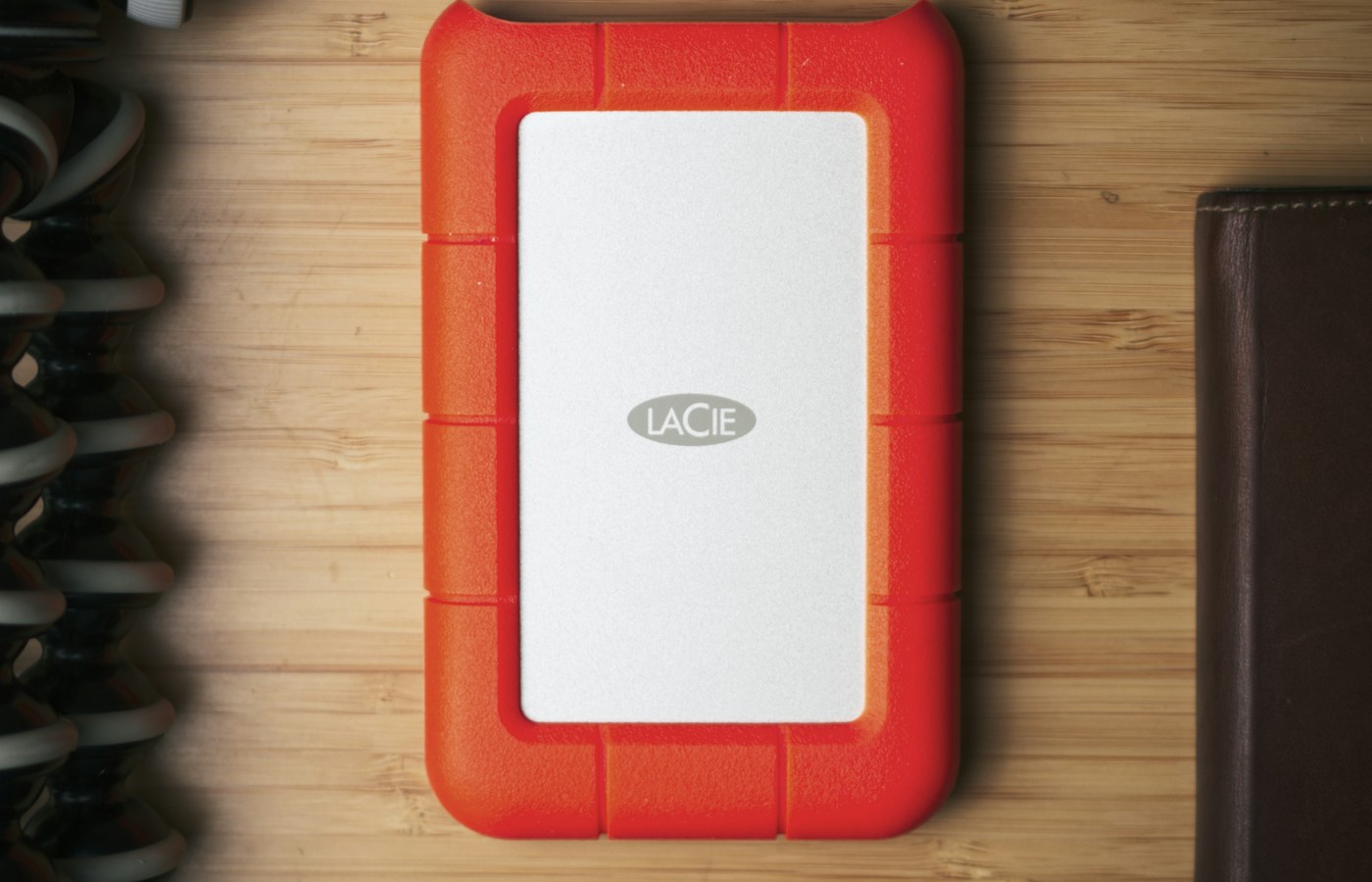
Separate disposable downloads from irreplaceable files, make recoverable copies and change one storage category at a time.
Use a few familiar screens to balance readable text, useful context and controls you can reach without guesswork.
A thumbnail, a local original and a cloud library item can look identical. Understand the storage relationship before making space or changing devices.
Prepare translated addresses, short requests, and directions that remain useful beyond the reach of mobile data.
Plug-in energy readings become useful when you distinguish power from energy, compare like with like, and leave unsafe measurements alone.
A convenient automation should remain understandable when a sensor, account, or internet connection stops cooperating.
A short household network record can turn a mysterious collection of boxes into a system another person can understand and recover.
Prepare a readable connection card and a limited guest network while keeping household administration separate.
Turn an unfamiliar collection of remotes, HDMI ports, and sound settings into a short guide anyone at home can follow.
Choose a location around everyday tasks, audibility, physical access, and informed household preferences.
Distinguish clock events, countdowns, and sunrise rules before relying on a plug to follow a household routine.
Build a small reference collection that helps with setup, support, repairs, and eventual ownership changes.
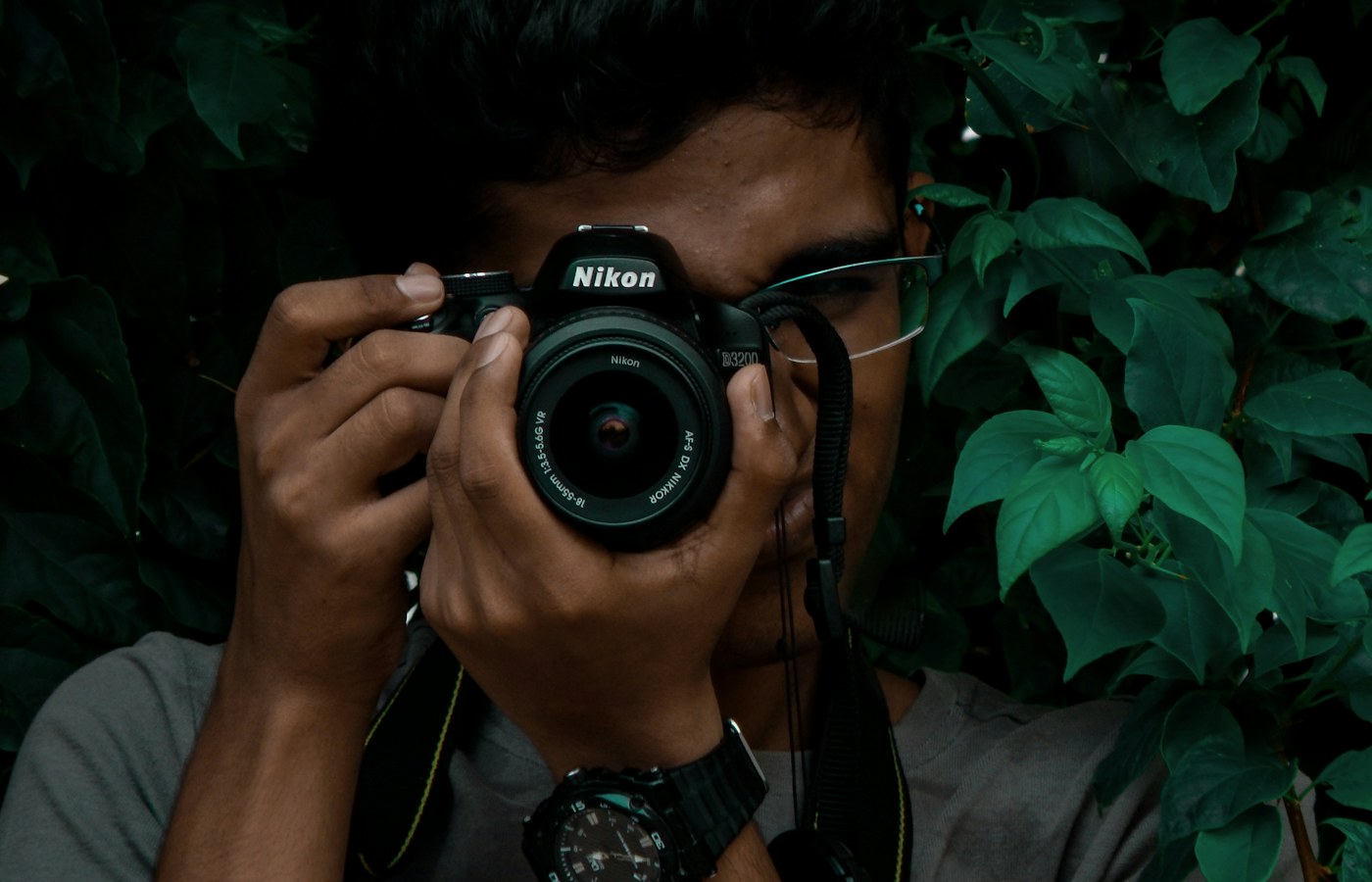
A practical routine for changing lenses, protecting equipment, and deciding when a mark needs professional attention.
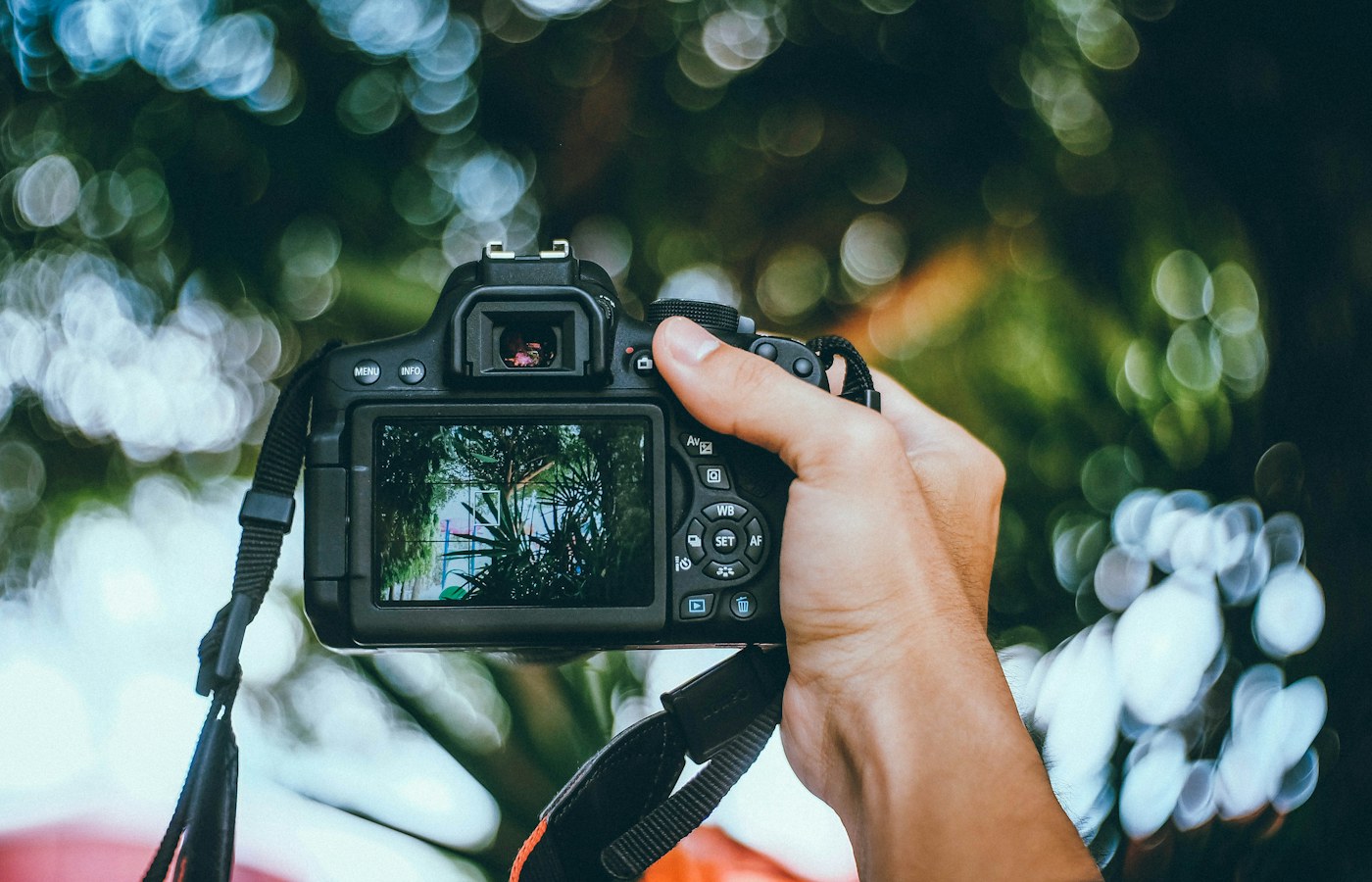
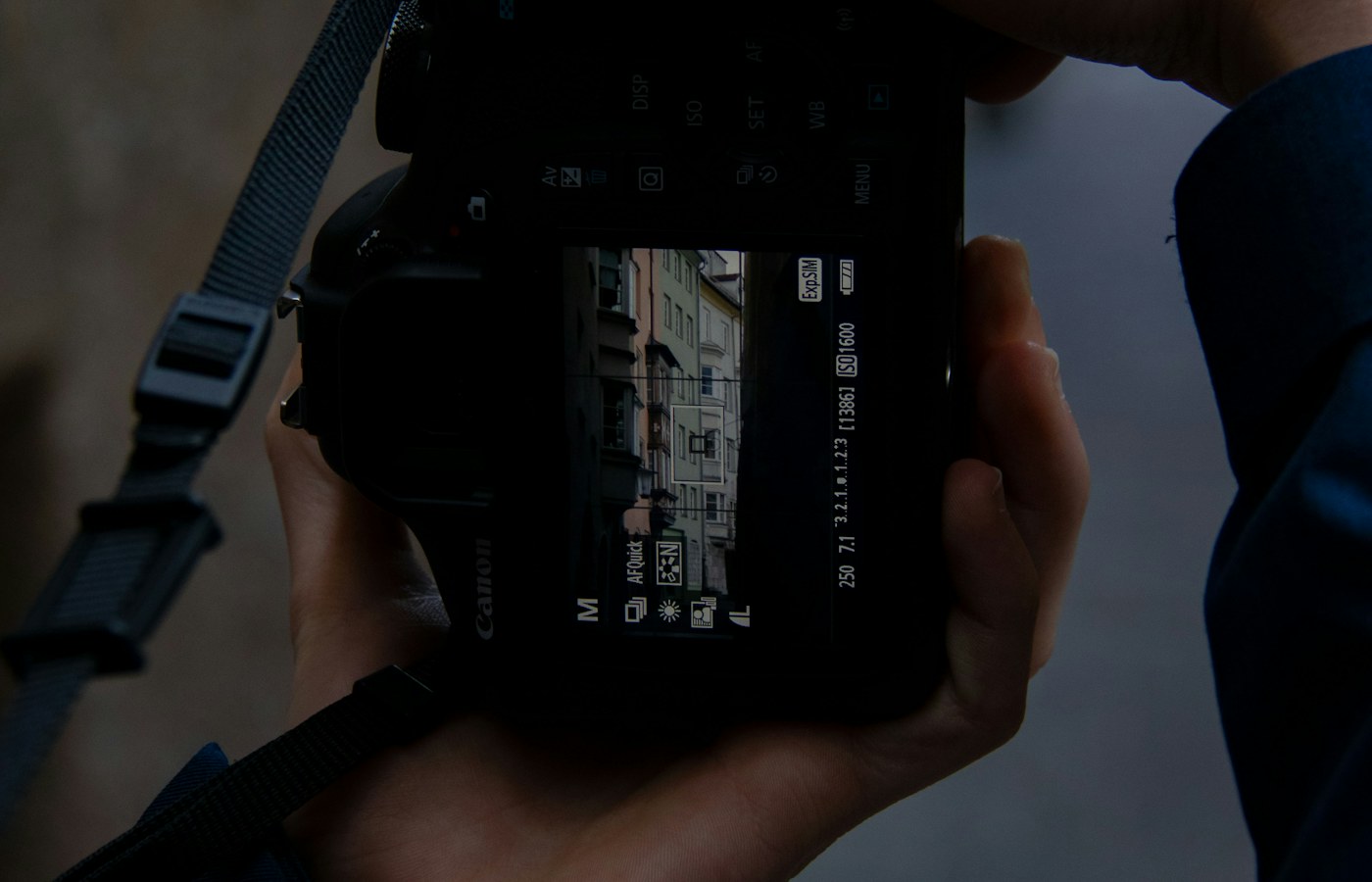
Use one reference frame, a clear shutter priority, and deliberate adjustments to make manual exposure less distracting.
A small overview can reveal stronger sequences, missed variety, and duplicate frames that individual previews conceal.
Keep a master, make a purposeful delivery copy, and check what actually reaches the viewer.
Separate camera originals, working media, project files, and deliveries so an edit remains recoverable after the deadline.
Capture the quiet character of a recording space so cuts feel continuous without hiding problems in the original sound.
Build a podcast edit around meaning, pacing, and transparent decisions before reaching for cleanup tools.
Make a careful capture, preserve context, and build an archive that relatives can understand without the original shoebox.
Preserve useful messages with their context, choose a manageable export routine and test the archive before treating it as a backup.
A clear event title, an intentional time-zone setting and a short verification routine prevent ordinary scheduling confusion.
A downloaded archive becomes useful only when you can identify its contents, open representative files and recover the information you care about.
A small receipt system works best when purchases, returns, and supporting documents stay connected.
Separate discovery, selection, and reading so a saved link does not become an indefinite obligation.
A restrained naming convention makes downloads, drafts, and shared documents easier to recognize without opening them.
An accessible map of services and responsibilities can help another person handle ordinary digital tasks without inheriting your whole account.
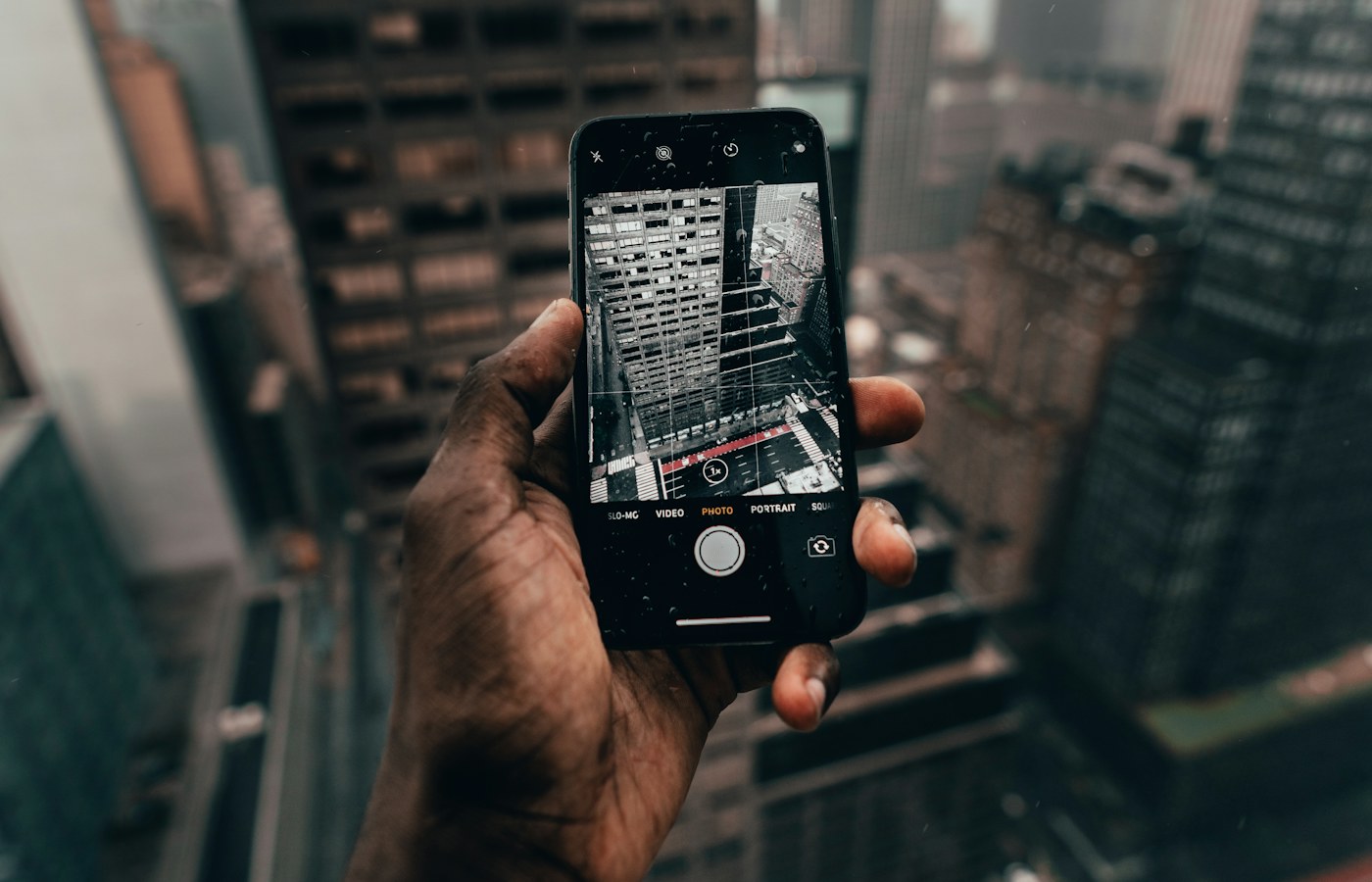
Decide what each capture is for, preserve its context, and remove temporary images when their job is done.
We focus on understandable explanations, realistic trade-offs and work you can do with the equipment you already have. Read at your own pace, check your device documentation and send us a correction when something deserves a closer look.
How we work