Evaluate a desk light without pretending your phone is a laboratory
Use a repeatable reading task, a few careful observations and a simple room record to compare everyday lighting changes.
Choose an ordinary task as your reference
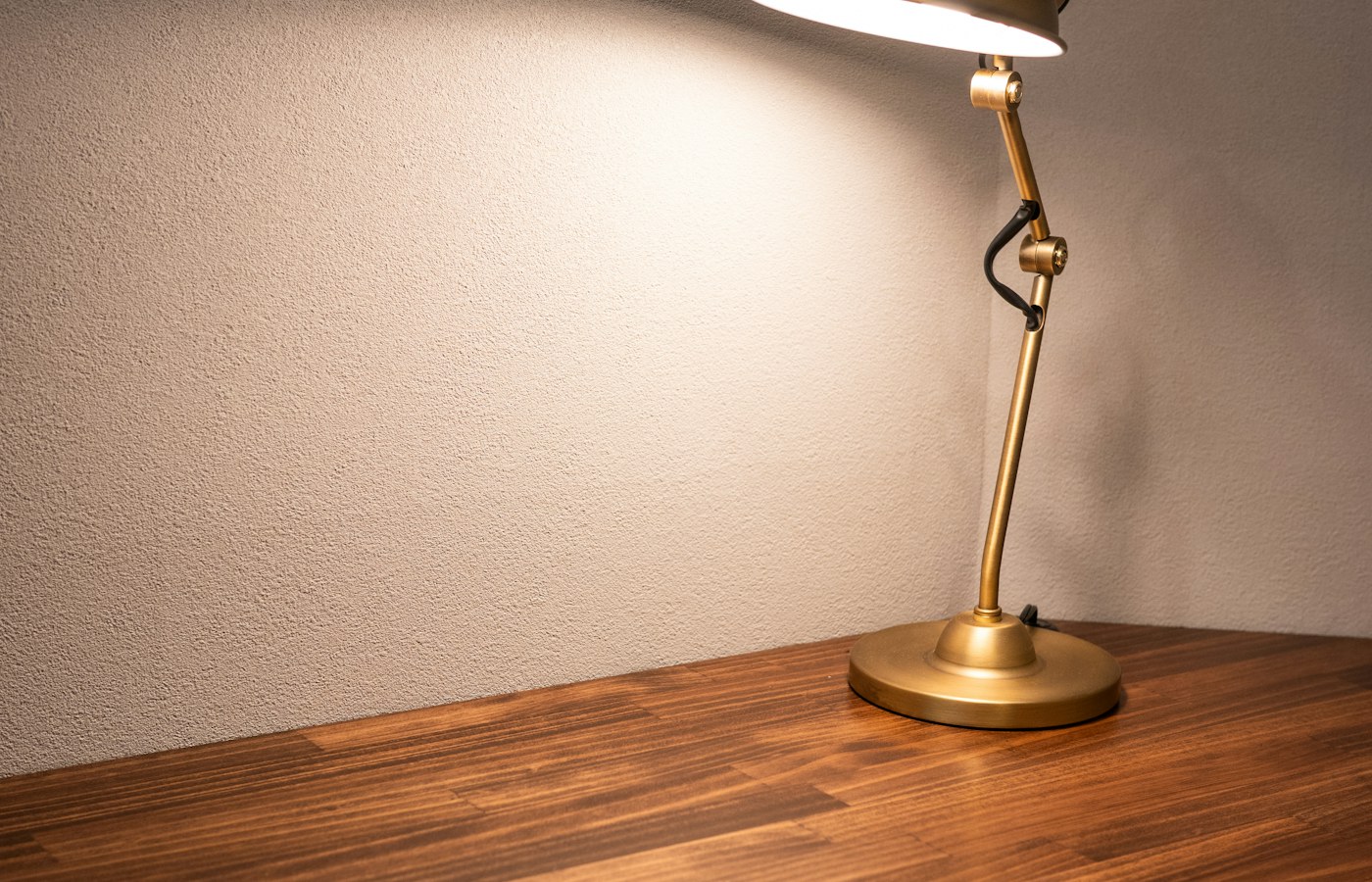
A desk lamp can look bright in a product photograph and still be awkward in the place where you work. The shade may reflect in the screen, your hand may block the beam or the brightest part of the light may fall beside the page. You can learn a great deal about these problems without a measuring instrument. The important distinction is between observing how a setup works for a task and claiming to have measured its technical performance. A home observation can guide a practical adjustment without producing a precise illumination figure.
Choose a task you perform often, such as reading printed notes, writing in a notebook or comparing a document with text on the monitor. Use the same material for each comparison. A sheet with mixed text sizes, a pencil and a familiar screen can provide a useful reference. Keep the task short enough to repeat without fatigue becoming the main variable. Note the time of day and whether curtains, room lights and nearby screens are on. The comparison becomes easier to interpret when you know what stayed the same.
Look at the whole room before moving the lamp
Sit in your usual working position and look around the desk. Notice the windows, overhead lights and surfaces that may reflect them. A dark room with a very bright patch on the page creates a different experience from a softly lit room with a moderate task light. The lamp is only one part of that environment. Before changing its brightness, try turning on an appropriate room light or adjusting a curtain. A small environmental change can solve a contrast problem that a stronger desk lamp would make more noticeable.
Record where daylight comes from and whether it changes during the working period. A desk that feels comfortable in the morning may receive direct sun later. You do not need a weather station to note clear sky, overcast conditions or a bright window in the field of view. Do not compare a lamp at night with a second lamp on a sunny afternoon and attribute every difference to the hardware. If possible, make the first comparison under stable conditions, then observe the preferred arrangement again during the other parts of the day.
Move the light before buying another one
Place the lamp so that the task area is lit without the bright source sitting directly in your normal line of sight. Work within the manufacturer's positioning and clearance instructions, keeping the lamp stable and its ventilation unobstructed. For writing, consider which hand you use and where its shadow falls. A light from the opposite side may reduce the shadow, but the exact position depends on the desk and the task. Move the lamp a small amount, repeat the writing motion and compare the result instead of searching for a universal angle.
Watch the boundaries of the illuminated area. A narrow pool may look dramatic while leaving reference papers in relative darkness. A wider distribution can make it easier to move between objects without constantly repositioning them. If the lamp has an adjustable arm, check that it holds the chosen position securely. Keep the base away from the edge and route its cable where it will not be pulled. Do not extend the arm beyond the approved configuration in an effort to reach the far side of a large desk.
Inspect reflections from the working position
Look at the monitor while sitting normally, then examine a blank or dark part of the screen to reveal reflections. Move your head slightly through the range you use during work. A reflection that is invisible when you lean back may become prominent when you move closer to read a paragraph. Try repositioning the lamp or monitor before changing the display brightness. Keep the monitor within a comfortable viewing arrangement. A reflection is not solved well if avoiding it requires twisting your neck or sitting at the edge of the chair.
Printed material can reflect too. Glossy paper, laminated notes and polished desk surfaces may show a bright patch that follows your eyes. Tilt a document slightly or use a less reflective support where appropriate. Avoid adding improvised materials to the lamp shade or bulb to soften the light. Coverings can interfere with heat dissipation or create a fire hazard. Use only accessories approved for the fixture. If a lamp cannot provide a usable position without direct glare, its shape or distribution may be unsuitable for that particular desk.
Compare brightness with one change at a time
If the lamp offers dimming, begin with a moderate setting and perform the reference task. Increase or reduce the setting in small steps, allowing yourself time to settle into the scene. Ask practical questions: can you read the notes without leaning forward, is the page evenly visible and does looking up at the monitor feel jarring? These observations are useful even though they are subjective. Write them down in ordinary words. A note saying the lower right corner is difficult to read explains more than an unexplained score of seven out of ten.
Change only one important variable during each comparison. Moving the lamp, closing the curtains and raising the monitor brightness at the same time makes it difficult to understand what helped. Keep a small table with the arrangement, the change and the observed result. Return to the starting arrangement occasionally to check that your preference is consistent. Stop if the exercise becomes uncomfortable. Persistent visual discomfort, headaches or difficulty seeing should not be treated as a lamp-selection puzzle; seek appropriate professional advice rather than trying to diagnose the cause through repeated home tests.
Use photographs as notes, with clear limits
A photograph can help you remember where the lamp stood and how its cable was routed. It is less reliable as a direct record of perceived brightness. A camera may automatically adjust exposure, colour balance and contrast between shots, making two very different rooms look similar or two similar arrangements look different. If you photograph comparisons, keep the camera position and settings consistent where possible and label the pictures as setup records. Do not read a precise light level from the apparent brightness of an image.
Phone light-meter applications have limits too. The sensor, its orientation, the app and the phone's construction can all affect the result. Without knowing how the device and application have been calibrated, a number should not be presented as a professional measurement or proof that a workplace meets a standard. If you need formal illumination measurements for a workplace or another regulated environment, use the appropriate instrument and competent assessment. For an ordinary desk adjustment, a repeatable task and honest notes can answer the narrower question of whether a particular arrangement works better for you.
Check colour and visible behaviour with restraint
If colour appearance matters to your work, include a few familiar objects in the observation: plain paper, a printed photograph and something with a neutral surface. Compare how they look under the available settings without assuming that a pleasing appearance proves accurate colour rendering. A warm or cool colour setting describes one aspect of the light, not every aspect of its quality. For colour-critical photography, printing or design, consult the relevant equipment specifications and use a controlled workflow rather than treating a home preference test as calibration.
Notice obvious instability such as a light that visibly pulses or changes output unexpectedly, and follow the manufacturer's troubleshooting instructions. A phone video showing bands can be a clue that the camera and light are interacting, but it does not by itself establish the cause or quantify human-visible flicker. Do not dismantle the lamp or modify its electrical parts. If the light behaves unusually, gets excessively hot, smells abnormal or has damaged wiring, stop using it and seek suitable service or replacement. Practical observation should make the setup easier to use, not encourage unsafe experimentation.
Keep a record you can act on
Finish with one preferred arrangement and a short description of why it worked. Include the lamp position, the room lights, the curtain position and the tasks you tried. Note any unresolved limitation, such as afternoon reflections or insufficient coverage for a larger sheet. This record helps you decide whether another lamp is necessary and what property the replacement would need to improve. A wider beam or a differently shaped shade is a more useful requirement than simply brighter. Keep the record near the desk for a week and update it after normal work.
The useful outcome is a desk that supports the actual task with less adjustment. You may discover that the existing lamp works well after moving it, that a room light matters more than expected or that the table's glossy surface is the main source of glare. None of those findings requires a laboratory-style chart. They require a consistent comparison and a clear account of its limits. When you can explain what changed and what became easier, you have enough evidence to make a sensible next step without dressing an everyday observation as a technical certification.
Test the space used by a second task
Once the main reading position works, try a different ordinary task, such as checking a paper reference while typing or examining a small device beside the keyboard. This reveals whether the lighting arrangement is useful across the whole working area. A lamp that serves one carefully placed sheet may require constant adjustment for normal work. Note whether an additional surface needs light, and consider moving the task rather than adding another fixture immediately. A small document stand, placed securely and within comfortable reach, can sometimes bring reference material into the existing illuminated area without changing the lamp at all.
Questions or a correction? Contact Tian Xin Kai at [email protected].
General educational guidance. Features vary; check your device documentation before changing settings.